
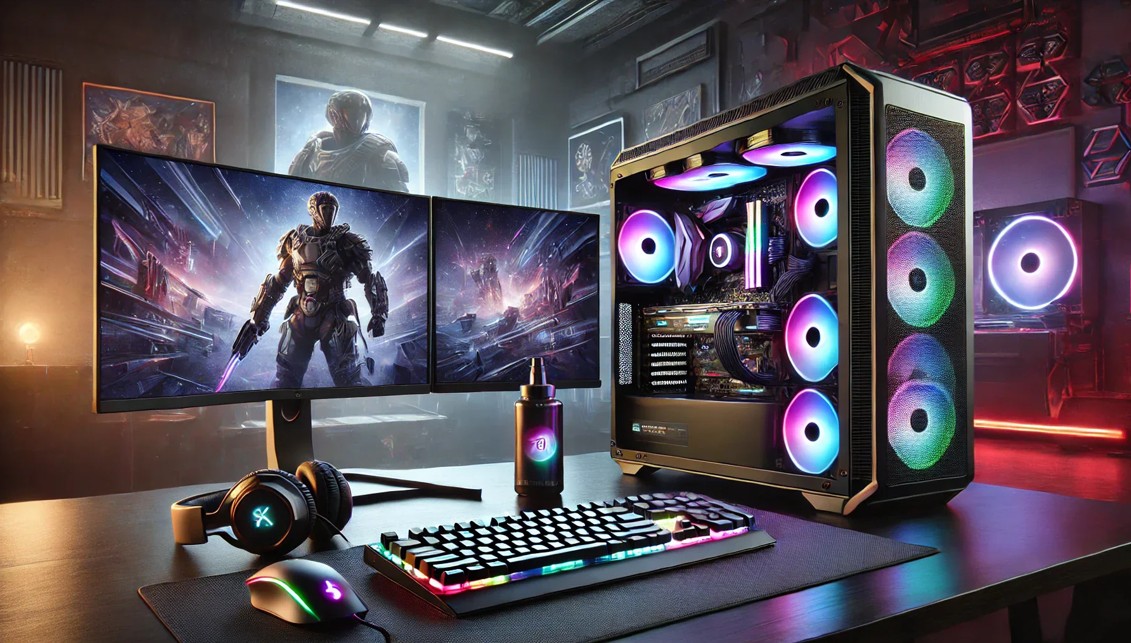
There’s nothing quite like the thrill of building or upgrading a gaming PC—picking out shiny new components, imagining buttery-smooth frame rates, and finally pressing that power button for the first time. But that excitement often comes with a creeping anxiety most gamers don’t talk about enough: “What if this build feels outdated way sooner than I expect?” Hardware evolves fast, game requirements jump aggressively, and what runs flawlessly today can start struggling tomorrow. No one wants to invest serious money only to lower settings a year later or face incompatibility issues when the next big title drops. Future-proofing isn’t about chasing the most expensive parts or building an unrealistic monster rig—it’s about making smart, flexible decisions that extend your PC’s lifespan, performance, and relevance. This guide dives deep into the real pain points gamers face, the mistakes that quietly shorten a system’s life, and the strategic choices that help your PC age gracefully while keeping your gaming experience immersive and frustration-free.
Start With the Right Mindset: Future-Proofing Is About Balance, Not Excess
One of the biggest mistakes gamers make is assuming future-proofing means buying the absolute top-tier component in every category, which often leads to overspending on parts that won’t deliver proportional long-term value. The truth is, technology doesn’t scale evenly—some components age far more gracefully than others, and understanding that difference is critical. A flagship GPU might feel powerful now, but within a few generations, mid-range cards can match or surpass it at a fraction of the cost. Meanwhile, things like motherboard quality, power delivery, and case airflow can quietly determine how many meaningful upgrades your system can handle. The smarter approach is to identify where longevity truly matters and where flexibility is more important than raw power. When you build with balance in mind, you avoid the regret of paying premium prices for diminishing returns while still ensuring your PC won’t become obsolete prematurely.
Choosing a CPU Platform That Won’t Box You In
Your CPU choice isn’t just about core counts and clock speeds—it’s about the platform you’re committing to for the next several years. Many gamers overlook how quickly a dead socket can limit future upgrades, forcing an entire rebuild just to swap processors. Selecting a platform with long-term manufacturer support allows you to upgrade CPUs later without replacing your motherboard, RAM, and sometimes even your cooler. This flexibility becomes invaluable as games increasingly rely on multi-threaded performance, background processes, and streaming workloads. Another overlooked pain point is thermal headroom—choosing a CPU that runs too hot on stock cooling can throttle performance over time and reduce component lifespan. A future-proof CPU decision balances performance today with realistic upgrade paths tomorrow, ensuring your system can grow instead of hitting a hard wall.
The GPU Dilemma: Planning for Power, Heat, and Longevity
Graphics cards are the heart of any gaming PC, but they’re also the fastest-moving target in terms of generational leaps. The challenge isn’t just buying a powerful GPU—it’s ensuring your system can actually support future cards without major overhauls. Many gamers underestimate how much GPUs have grown in size, power draw, and thermal output, leading to cramped cases, insufficient power supplies, and airflow nightmares. A future-proof build accounts for these trends by choosing a spacious case, robust PSU, and a motherboard with reinforced PCIe slots. It’s also wise to consider how your GPU will handle evolving technologies like ray tracing, AI upscaling, and higher refresh rate monitors. Even if you’re currently enjoying casual experiences or dabbling in genres like slot game and qq poker game during downtime, future titles may demand far more graphical horsepower than expected, making forward-thinking GPU planning essential.
RAM and Storage: The Silent Bottlenecks That Sneak Up on You
Few things kill immersion faster than stutters, long load times, or background tasks choking your system—and RAM and storage are often the culprits. Many gamers still underestimate how quickly memory requirements grow, especially as modern games load massive textures, run background anti-cheat systems, and integrate open-world streaming assets. Starting with ample RAM, and ensuring your motherboard supports higher capacities later, prevents unnecessary upgrades down the line. Storage is equally critical; slow drives don’t just affect load times, they can impact in-game performance as engines increasingly rely on fast asset streaming. NVMe SSDs have become the standard, and choosing a motherboard with multiple high-speed slots ensures you can expand without juggling cables or replacing existing drives. A future-proof approach treats RAM and storage not as afterthoughts, but as foundational pillars of a smooth gaming experience.
The Motherboard: The Backbone Most Gamers Undervalue
The motherboard is often chosen based on price or aesthetics, but it quietly determines how flexible, stable, and upgrade-friendly your system will be over time. Weak power delivery can limit CPU upgrades, poor BIOS support can lock you out of performance improvements, and limited connectivity can become a constant frustration as peripherals evolve. A future-proof motherboard offers strong VRMs, updated connectivity standards, and enough expansion slots to grow with your needs. It should support faster RAM speeds, newer storage formats, and modern networking options without forcing compromises. While it’s tempting to save money here, cutting corners on the motherboard often leads to costly rebuilds later, turning what should have been a long-term investment into a short-lived solution.
Power Supply: Where Cutting Costs Can Cost You Everything
The power supply is one of the least glamorous components, yet it’s responsible for protecting every expensive part in your system. Many gamers focus solely on wattage, ignoring build quality, efficiency ratings, and future power demands. As GPUs and CPUs become more power-hungry, an underpowered or low-quality PSU can limit upgrades, cause instability, or even damage components. Choosing a high-quality unit with extra headroom ensures your system can handle future upgrades without stress. Modular cabling improves airflow and makes upgrades easier, while better efficiency reduces heat and noise over time. A future-proof PSU doesn’t just power today’s build—it safeguards tomorrow’s possibilities.
Cooling and Airflow: Performance That Lasts Beyond the Honeymoon Phase
Great performance on day one means little if thermal throttling creeps in months later. Dust buildup, rising ambient temperatures, and aging thermal compounds can slowly degrade performance if cooling isn’t planned properly. Many gamers underestimate airflow, cramming high-end components into restrictive cases that trap heat. A future-proof build prioritizes airflow-focused cases, quality fans, and cooling solutions that can handle more powerful components later. Whether you choose air or liquid cooling, the goal is consistency—stable temperatures that allow your hardware to perform optimally year after year. Good cooling isn’t just about noise or aesthetics; it directly impacts longevity, reliability, and sustained performance.
Connectivity, Peripherals, and the Overlooked Experience Factor
Future-proofing isn’t limited to internal components—it extends to how your system interacts with the outside world. As monitors push higher refresh rates and resolutions, and peripherals demand faster data transfer, outdated ports can become surprisingly limiting. Ensuring support for modern display standards, fast USB connections, and reliable networking prepares your system for evolving setups. This matters whether you’re competitive gaming, streaming, or relaxing with friends over a poker game after intense sessions. Even casual experiences like pkv games and poker game benefit from smooth performance and responsive input, reminding us that future-proofing enhances every aspect of gaming, not just graphical benchmarks.
Software, Updates, and the Long Game of Compatibility
Hardware longevity also depends on how well your system stays compatible with evolving software ecosystems. Choosing components with strong driver support, frequent firmware updates, and wide operating system compatibility reduces headaches down the road. Many gamers experience frustration not because their hardware is weak, but because it no longer plays nicely with new updates or game engines. A future-proof build considers brand reputation, update history, and community support, ensuring your system remains functional and optimized as software standards shift.
Final Thoughts: Build Smart Today So You Can Play Confidently Tomorrow
Future-proofing your gaming PC isn’t about predicting the future perfectly—it’s about giving yourself options. When you build with flexibility, balance, and foresight, you protect your investment from rapid obsolescence and constant upgrade anxiety. The goal is a system that adapts with you, handles new releases without panic, and delivers consistent enjoyment across genres and playstyles. By addressing real pain points—upgrade limitations, thermal issues, compatibility headaches, and wasted spending—you create a PC that doesn’t just perform well today, but continues to feel relevant, capable, and exciting for years to come. A future-proof build isn’t just smarter—it’s more satisfying, more reliable, and ultimately, more fun.